
Multiple widths in one pass
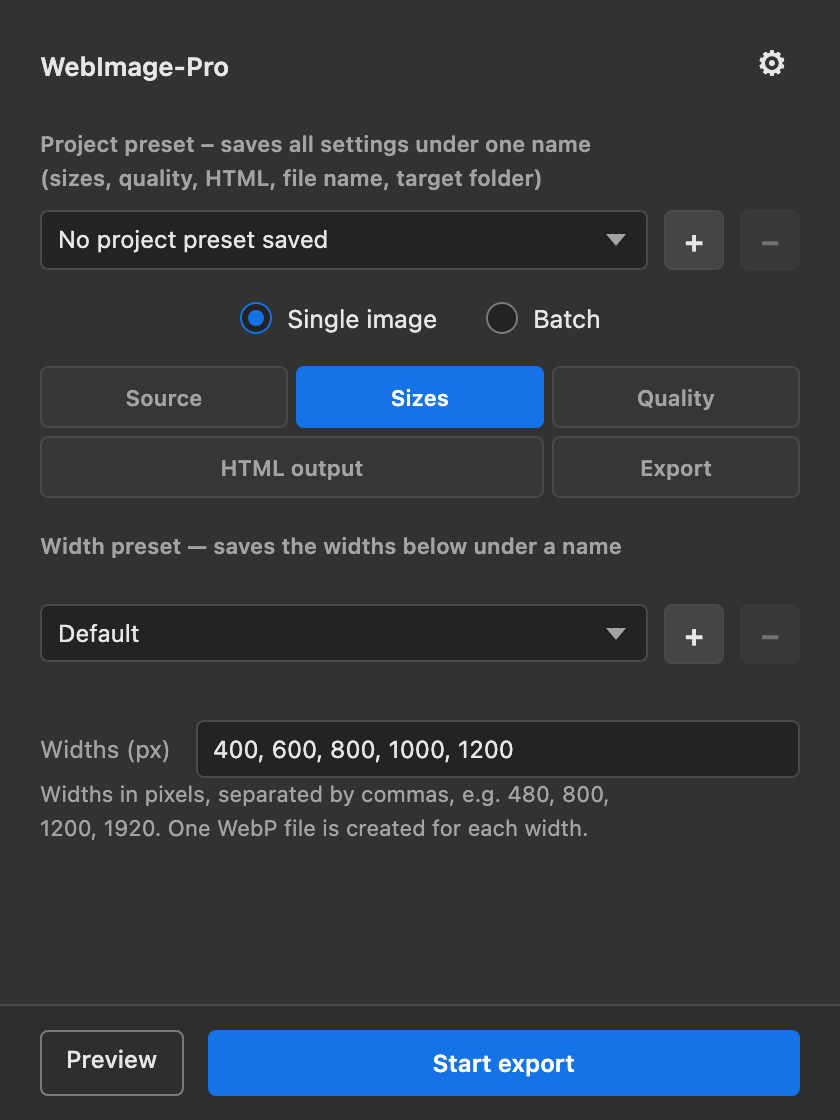
Any widths you like, e.g. 400, 800, 1200 px – each one becomes its own WebP file. Widths larger than the original are skipped automatically; nothing is ever scaled up.
WebImage-Pro saves your images in multiple widths as WebP and hands you the matching <img srcset> HTML code right away. One click instead of ten manual steps.
Coming soon to the Adobe Marketplace · runs entirely locally · Photoshop 24.0 (2023) or newer
Responsive images need several sizes – and each size means resizing, saving, naming and embedding. The plugin does exactly that for you.
srcset attribute by handEnter widths → start export.
Every file is cleanly named and saved to your target folder, the finished code is already on your clipboard – with an HTML file and preview if you want one. For one image or a hundred.
Deliberately focused: a few well-considered features for a fast workflow.
Any widths you like, e.g. 400, 800, 1200 px – each one becomes its own WebP file. Widths larger than the original are skipped automatically; nothing is ever scaled up.
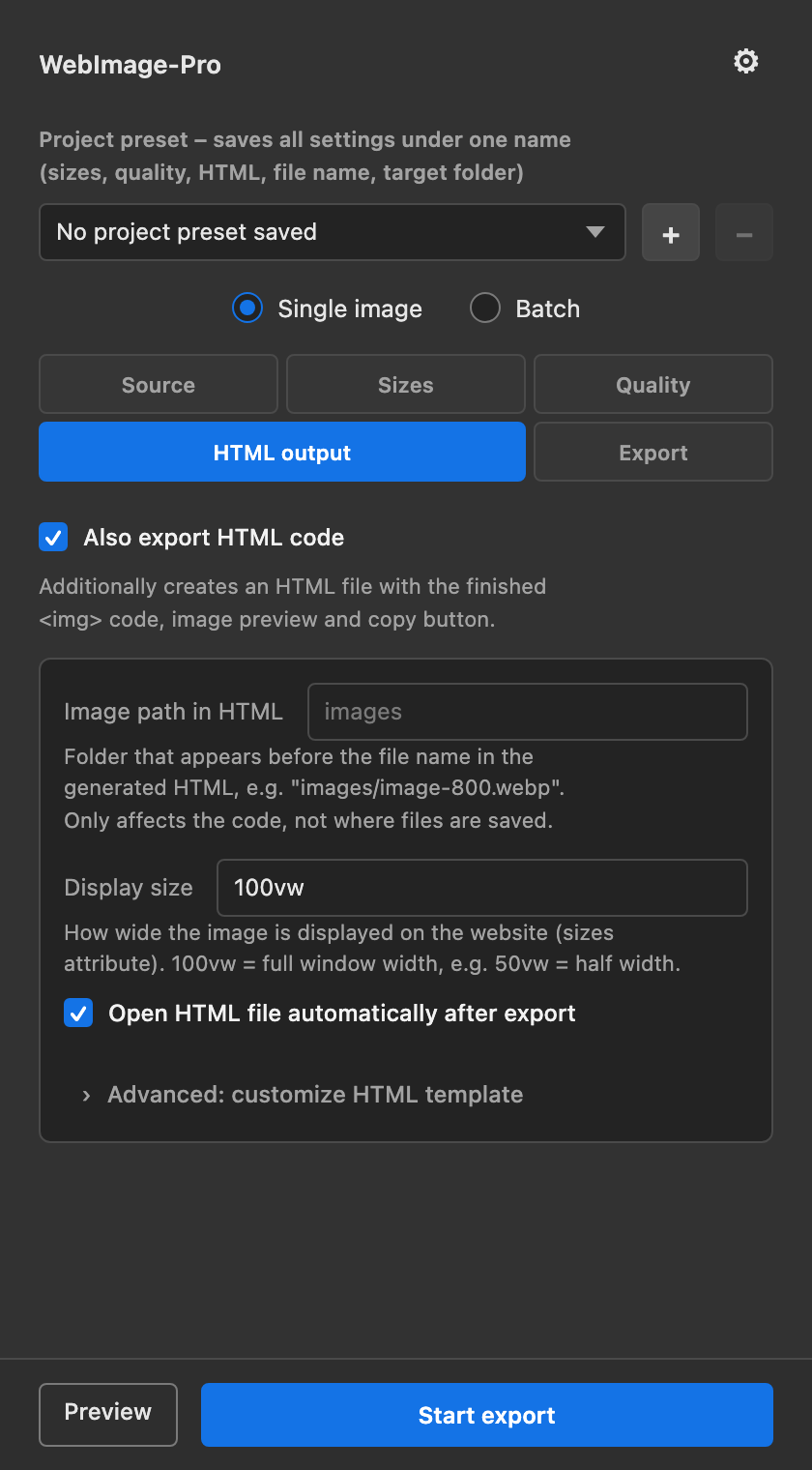
srcset, sizes and src are built for you – previewed in the panel and copied to the clipboard automatically.
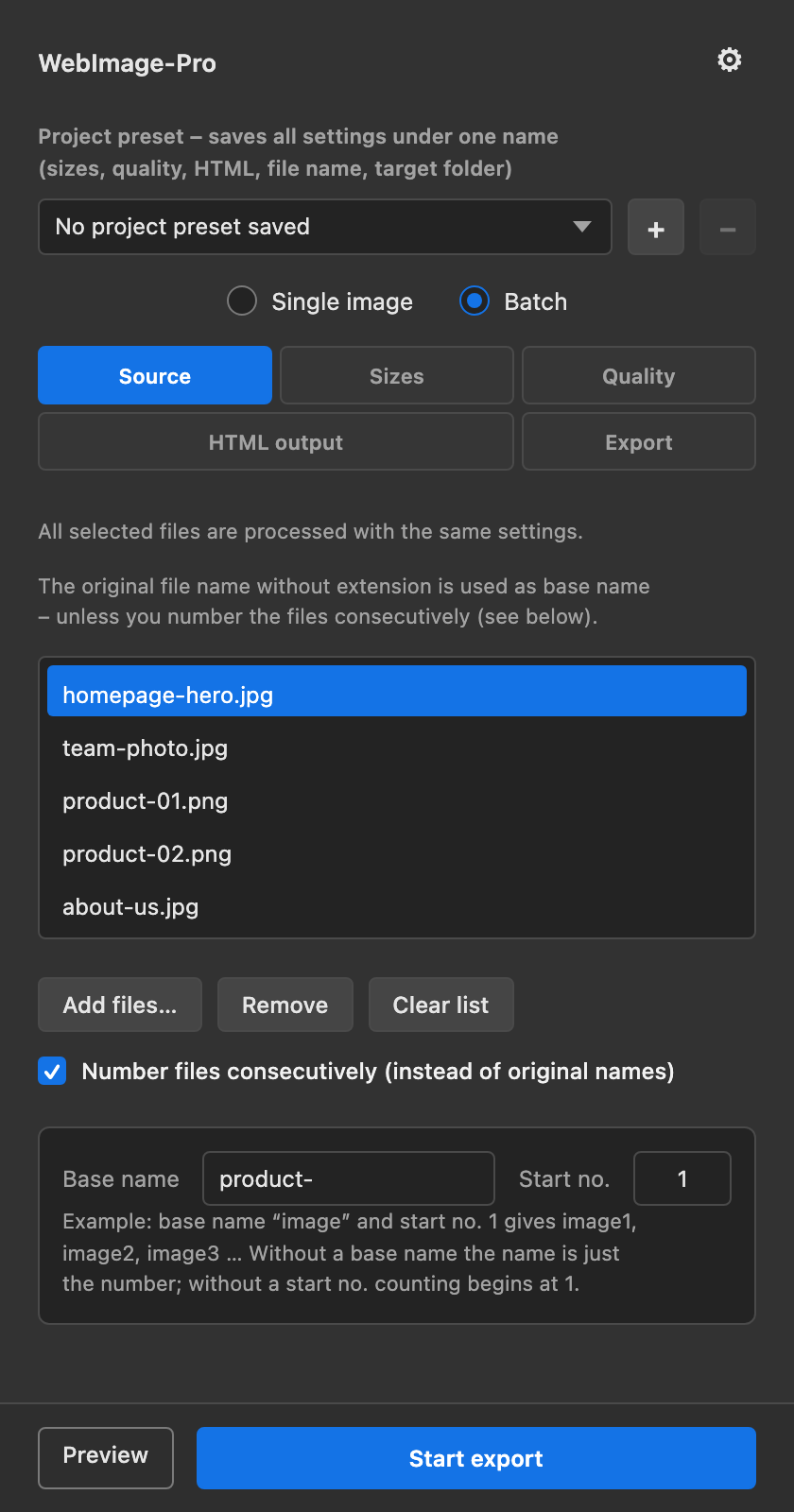
The active document or an entire list of files (JPG, PNG, TIFF, PSD, PSB, BMP, GIF) with the same settings – optionally numbered consecutively.
Image path, sizes value and template are fully editable – e.g. with alt, loading="lazy" or your own class.
Width presets for recurring sizes, and project presets that save every setting – including the target folder – per client.
Lossy with a 0–100 slider, or lossless. Transparency can be preserved.
All codes from a batch collected in one file – freely named, either appended across runs or rebuilt fresh each time.
Works on copies, asks before overwriting, shows progress and can be cancelled at any time.
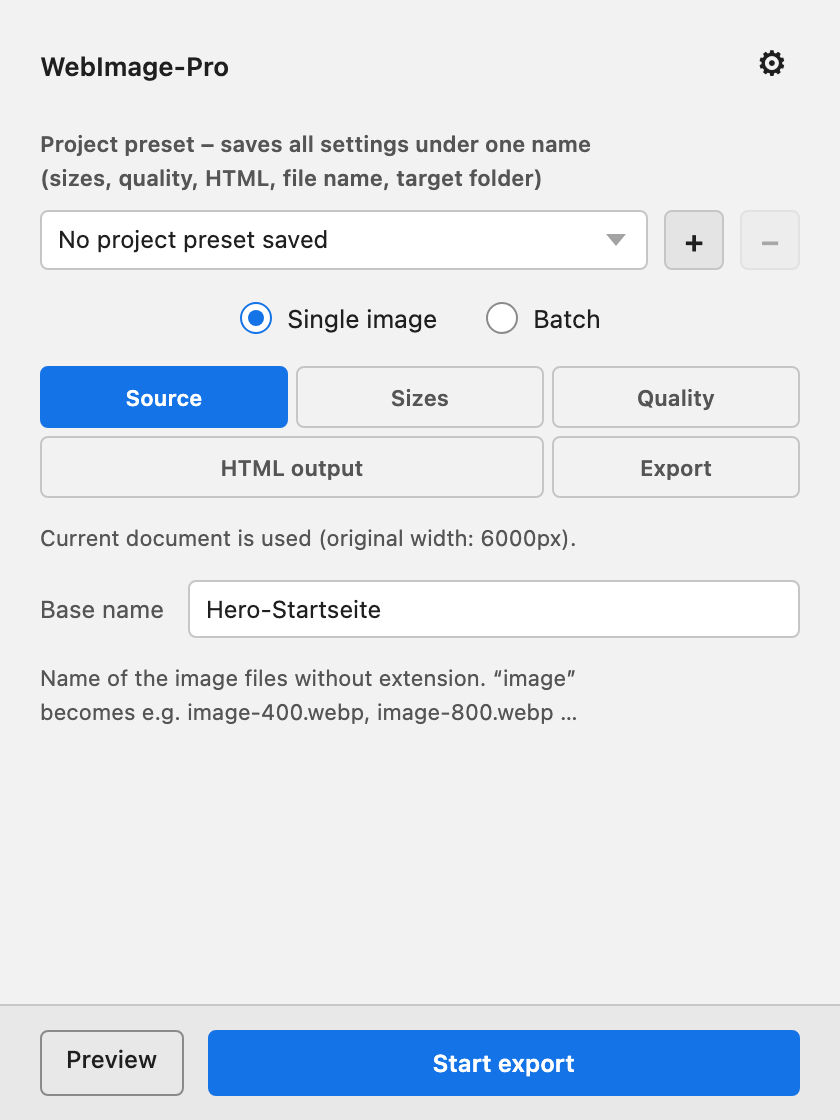
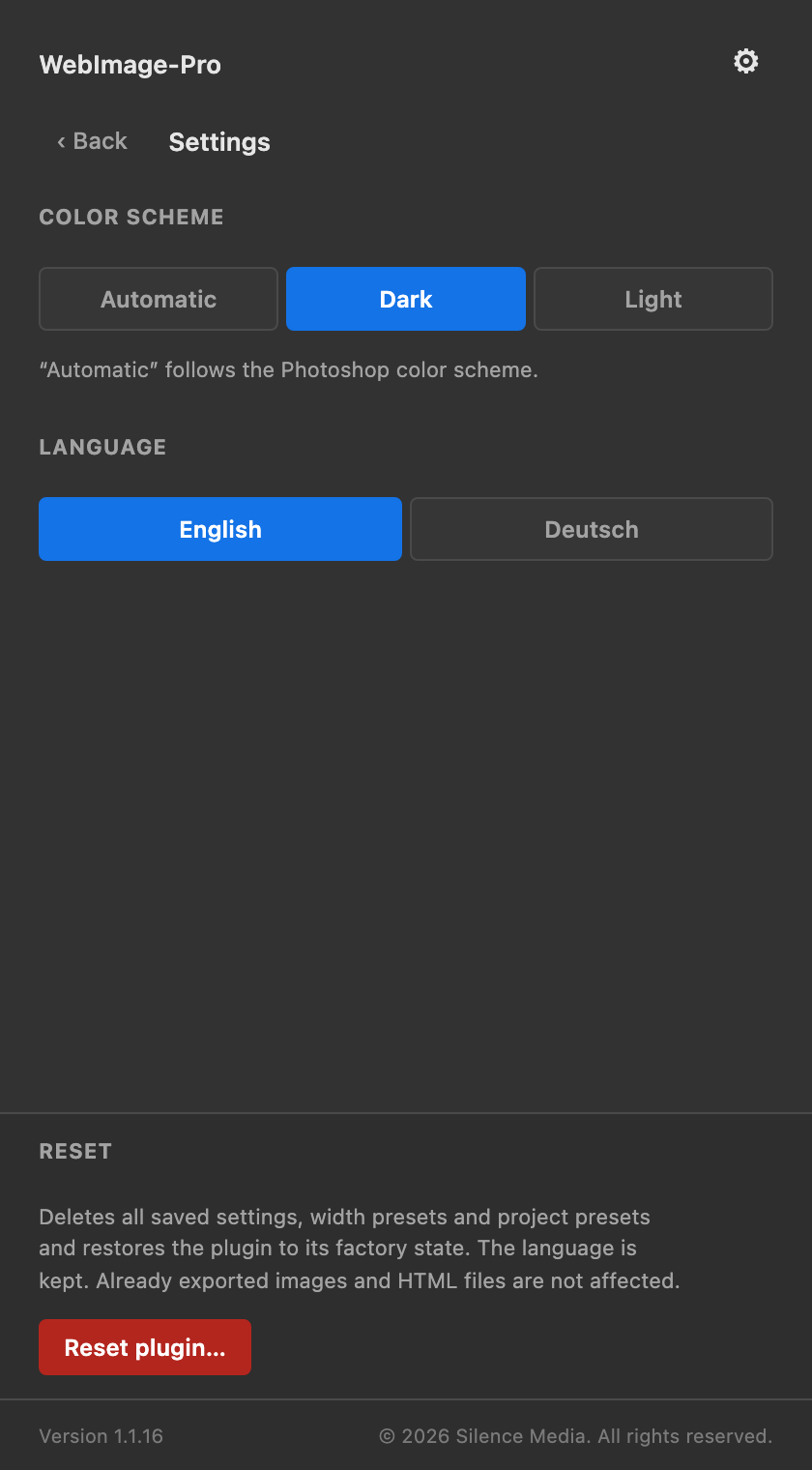
Automatic, dark or light color scheme. Interface available in English and German.
From an open image to finished code – no detours.
Open a document in Photoshop – or add files in batch mode.
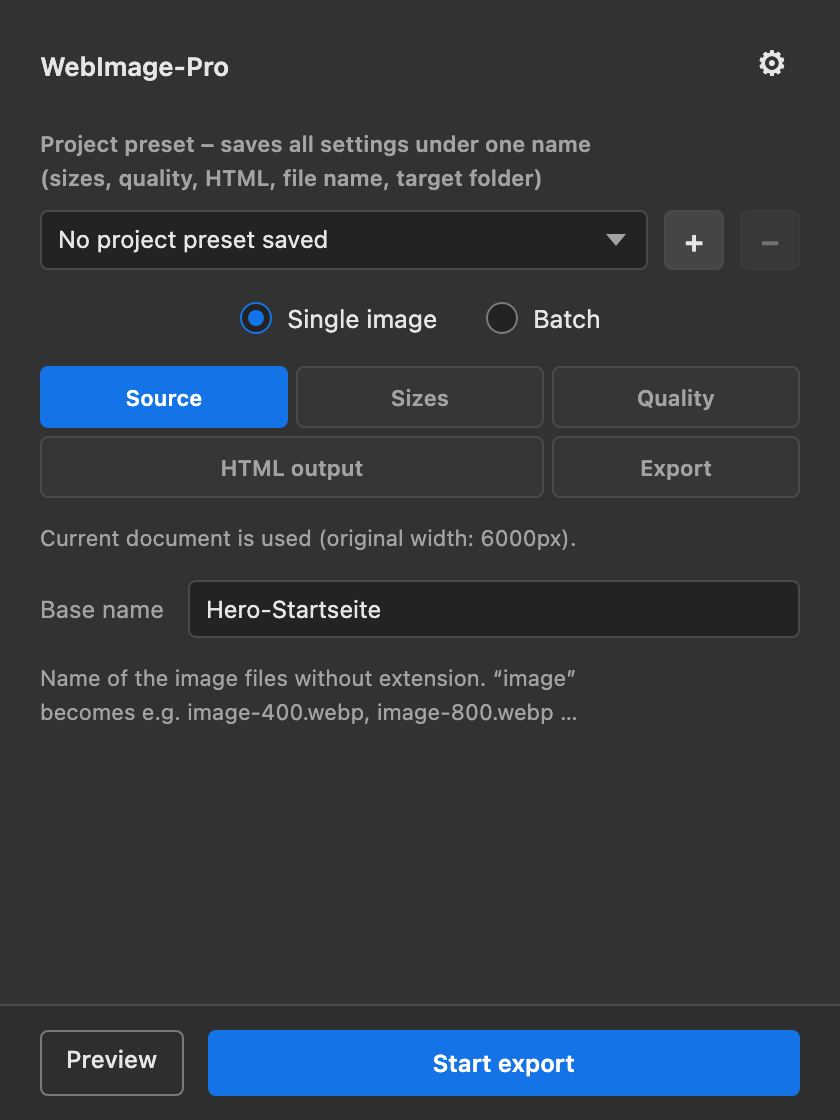
Enter widths, set quality, check the HTML options – or pick a preset.
One click: files land in the target folder, code lands on the clipboard, summary in the panel.
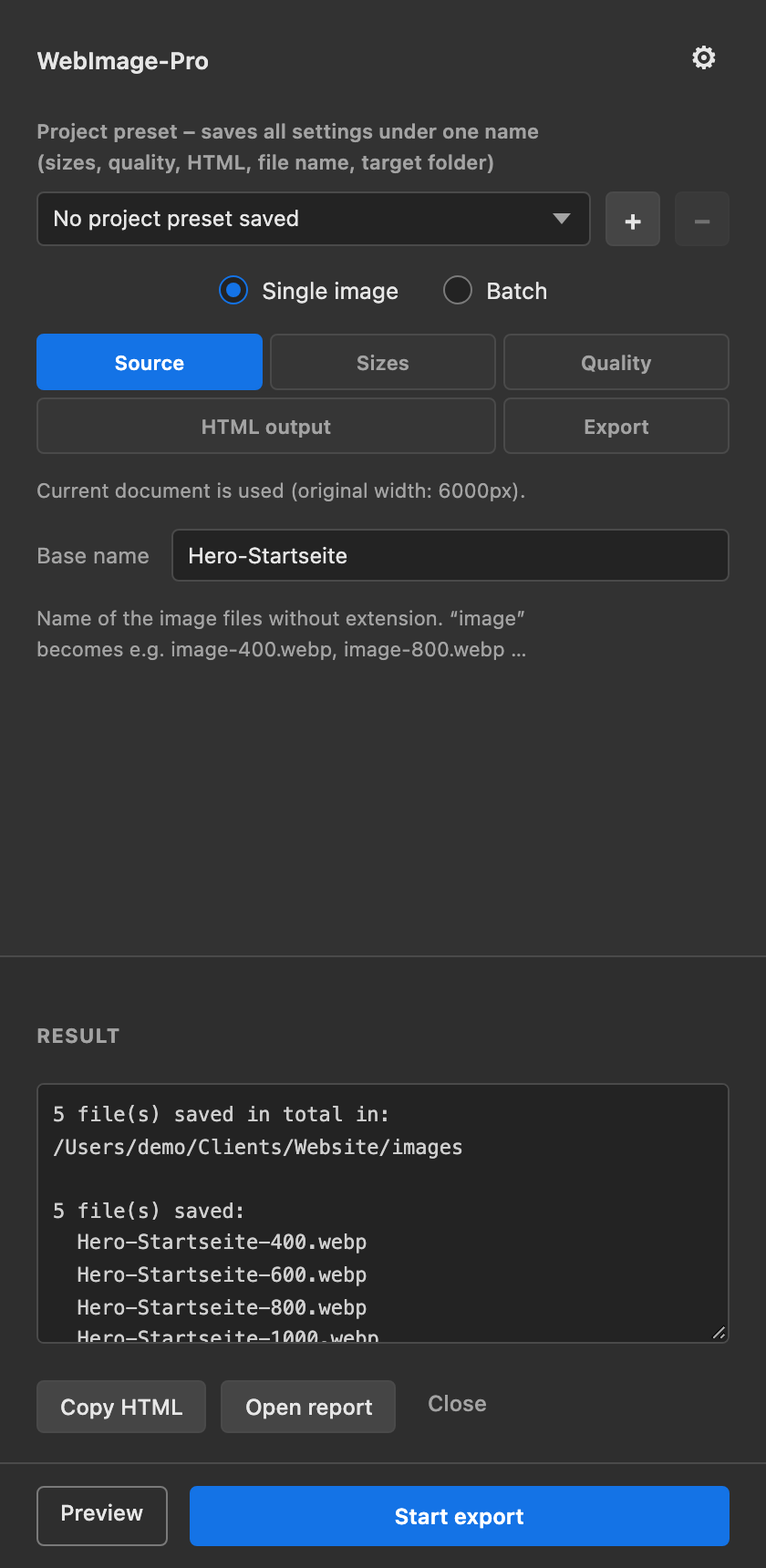
The browser automatically picks the right image size from srcset based on screen width and pixel density. Visitors on a phone never load a desktop-sized image – less data, faster page loads.
images/sizes value, e.g. 100vw or 50vw{srcset}, {sizes}, {src}<img srcset="hero-400.webp 400w, hero-800.webp 800w, hero-1200.webp 1200w" sizes="100vw" src="hero-1200.webp">
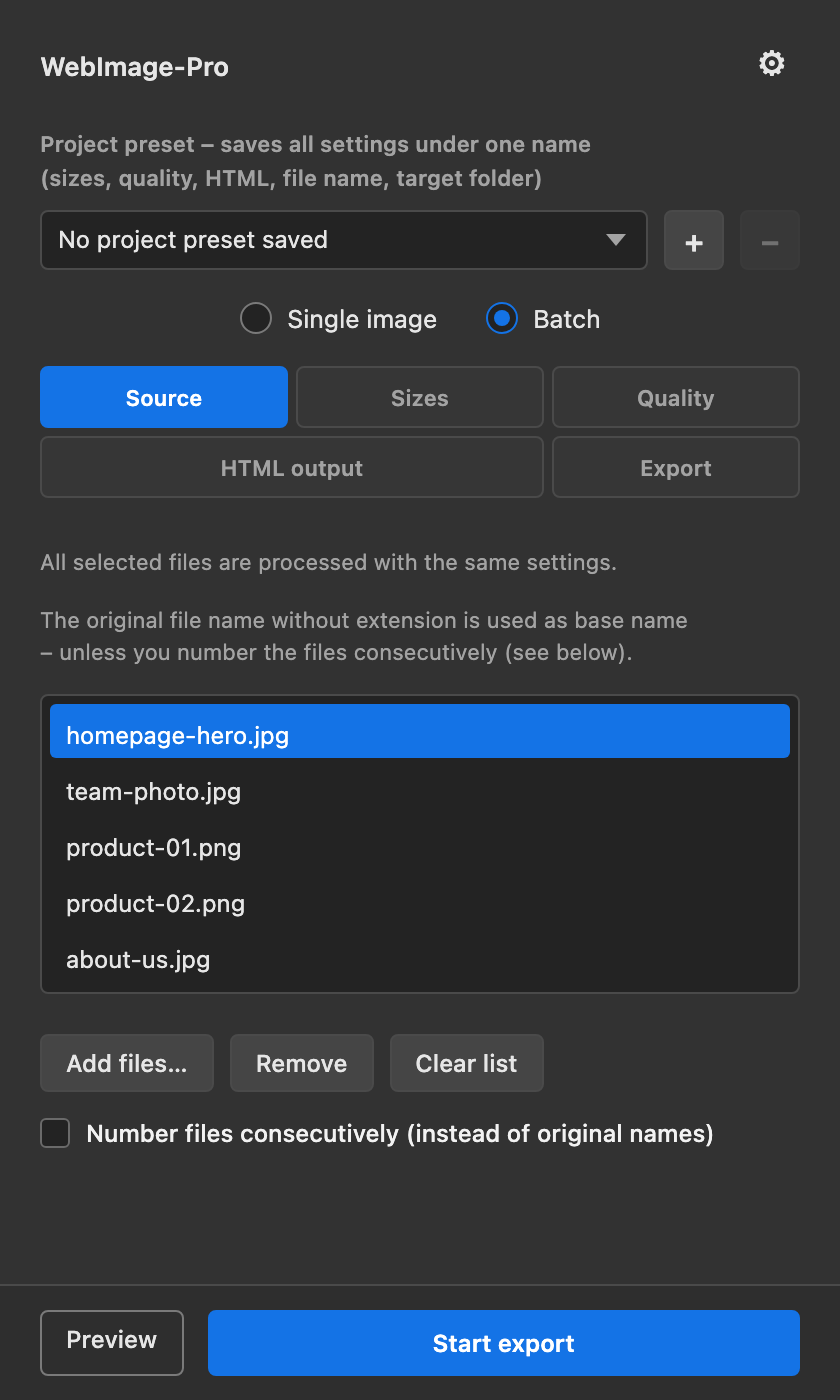
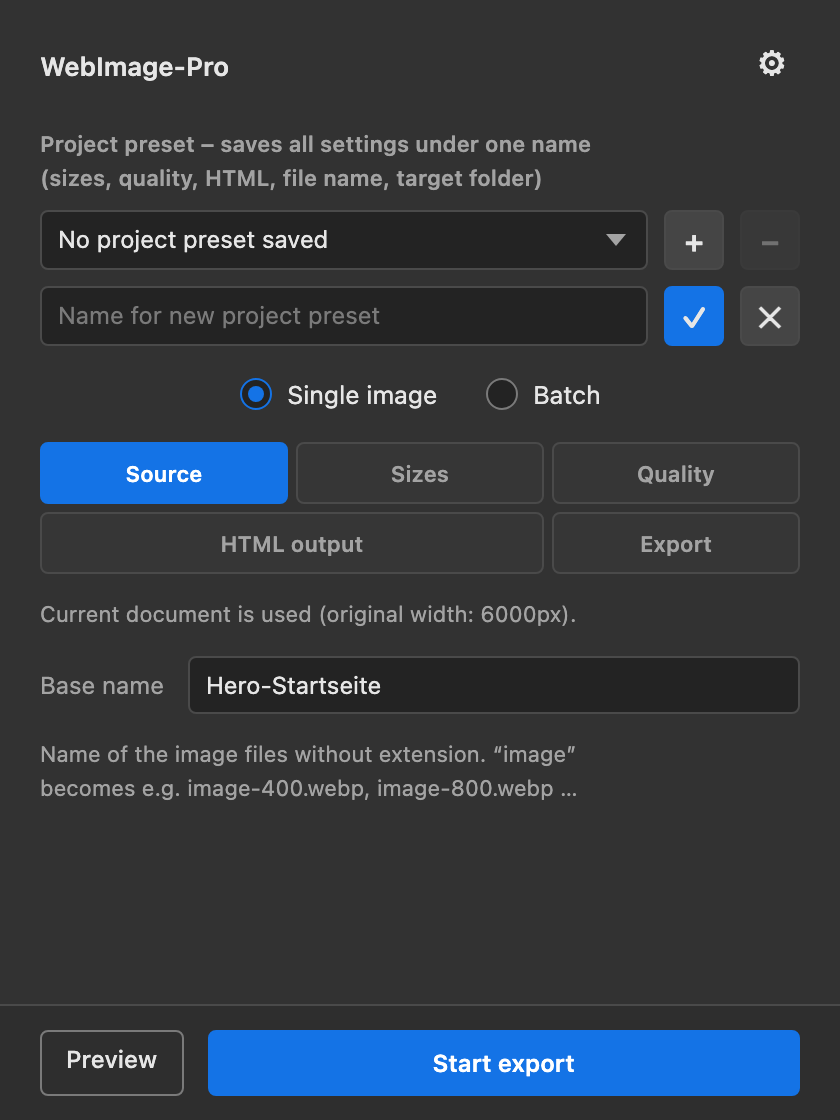
In batch mode you process as many files as you like with the same settings – numbered consecutively if you want. And if you work for several clients, save everything as a project preset: widths, quality, HTML options, filename pattern, even the target folder.
The panel follows your Photoshop color scheme – or you pick Dark or Light yourself. The interface is available in English and German; every setting lives behind the gear icon.
Pricing will be announced when it launches on the Adobe Marketplace. WebImage-Pro is coming soon.
Photoshop 24.0 (2023) or newer. The plugin runs as a panel (UXP) and is bought on the Adobe Marketplace and installed via the Creative Cloud desktop app.
No. The plugin works on copies; batch files are opened and closed again without saving. You're asked before any existing export file is overwritten.
Never. Widths larger than the original are skipped – the panel shows a note about it.
JPG/JPEG, PNG, TIFF, PSD, PSB, BMP and GIF. Documents must be in RGB mode; other color modes are skipped and reported in the result.
No. The plugin runs locally and never transmits images or settings. It needs file access (for your target folder), clipboard access (for the code) and permission to open files/links in your browser.
Yes: image path prefix, sizes value, and a fully editable template with the placeholders {srcset}, {sizes} and {src}. "Restore default template" resets it any time.
Yes – a detailed manual with screenshots is available as a PDF: download the manual. A German edition is also available: Handbuch (PDF, German).
WebImage-Pro is close to release. Every feature is finished: single-image and batch export, presets, HTML templates, batch HTML, color scheme and two languages.
Photoshop 24.0 (2023) or newer · installed via the Creative Cloud desktop app
Install WebImage-Pro and skip the manual work from your very first export.